
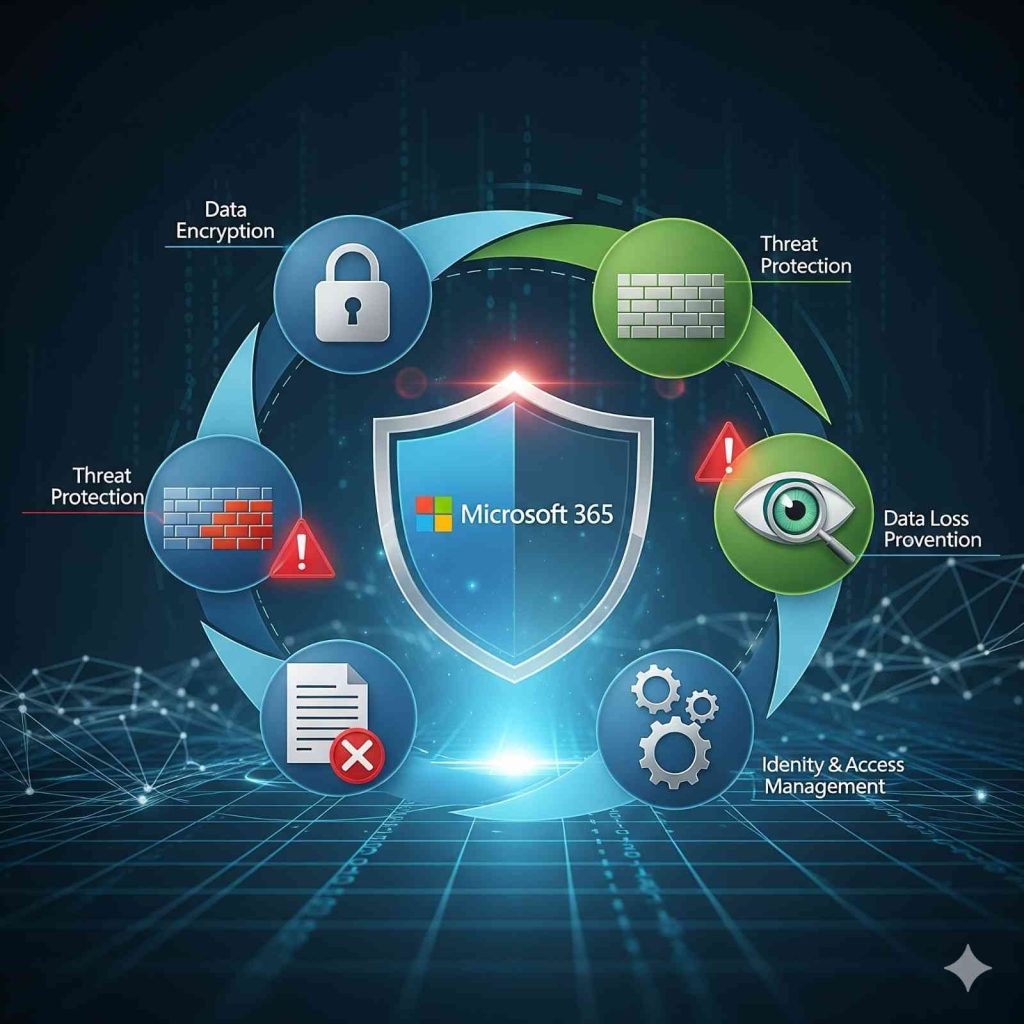
As you are already aware, one of the top issues facing small and large businesses is cybersecurity, as Hackers are becoming increasingly sophisticated and sending phishing emails, ransomware, and data leaks, which can cause companies to lose money and erode the trust of their customers. If your business is already using Microsoft 365, there’s good news: it comes with built-in security tools designed to protect your accounts, data, and devices effortlessly. These tools are easy to activate and manage, ensuring robust protection without complex setups. In this article, we’ll explore the essential Microsoft 365 security tools that can help safeguard your business.
Multi-Factor Authentication (MFA)
Even if a hacker steals your password, they won’t be able to access your account without passing a second layer of verification like a code sent to your phone or generated by an authentication app. MFA is a simple yet powerful security measure that every business should activate immediately. It ensures that the system can only be accessed by authorized users, even if their passwords are leaked.
Conditional Access
Not every login attempt is safe, which is why conditional access rules are so useful. With the help of this feature, you can create business login rules. For example, you can block access from suspicious countries, allow logins only from company devices, or require extra verification when logging in from a new location. These controls let employees work securely without being hindered by unnecessary restrictions.
Microsoft Defender for Office 365
Hackers often launch attacks via email, using phishing links and malware attachments to compromise accounts. Microsoft Defender in Office 365 is a scanning barrier that handles moving emails, links, and attachments to eliminate malware and harmful phishing elements. It blocks itself automatically in the event of suspicious activity to ensure that the threat is not transferred to the user. This feature helps protect against phishing and malware while also allowing employees to use emails safely and privately.
Sensitivity Labels and Information Protection
Documents are not equally sensitive. A market flyer may be public, but a financial report ought to be entirely private. Sensitivity labels will enable businesses to label the documents and emails according to their significance. To illustrate, a file labeled with a label that states that it is confidential will be automatically coded and can be viewed only by specific individuals. These labels are permanent to the file no matter which device or location it is stored in, which provides the same level of protection.
Microsoft Secure Score
It can be challenging to determine the level of security in your business environment. Microsoft Secure Score helps you assess your security posture in a numerical format. It also gives actionable suggestions such as enabling MFA, updating policies, or disabling unused accounts. By regularly checking their Secure Score, businesses can identify weak points and address them promptly, thereby reducing the risk of cyber threats.
Mobile Device Management (MDM) with Intune
With employees working from personal devices, such as phones and laptops, securing business data has become increasingly challenging. Microsoft Intune enables businesses to manage the use of company data on devices. You could create policies such as a PIN for work apps, data encryption, and remotely wiping company data on a lost/stolen device. This ensures that sensitive data remains protected, while employees can still use their devices for personal tasks—safely and within defined boundaries.
Conclusion:
To explore how Microsoft 365 and Google Workspace are transforming business productivity and digital security across the Middle East, read this comprehensive analysis on BeastInfinity.